 DeskGuard
1
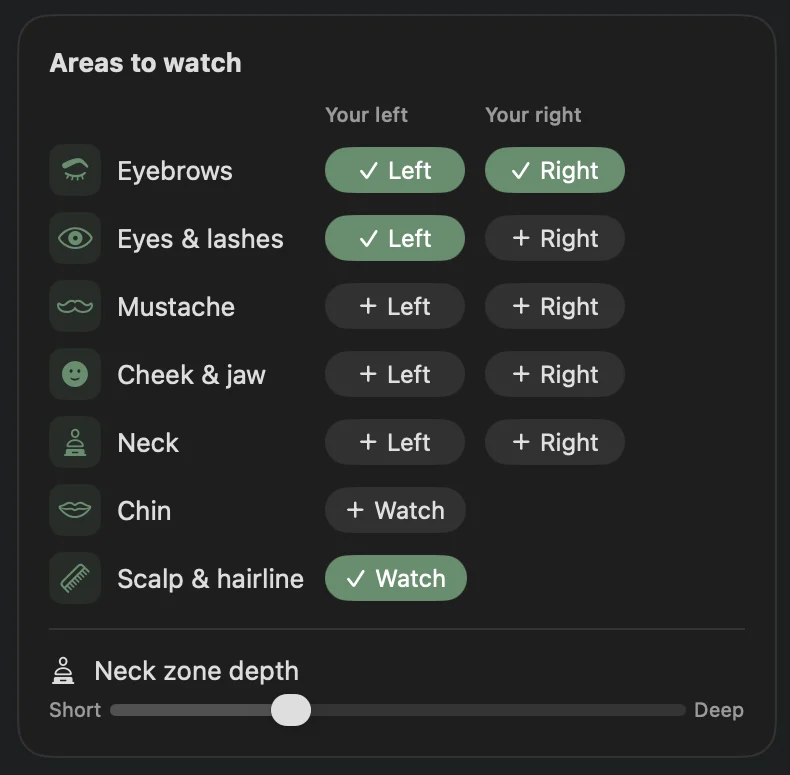
Choose your areas
Scalp, eyebrows, lashes, beard, mustache, cheeks, chin or neck. Only the ones you pick.
For trichotillomania & skin picking · Mac
Most pulling happens on autopilot: while you read, code or sit on a call. DeskGuard watches the areas you choose through your Mac's camera and nudges you when a hand lingers, so you notice in seconds instead of an hour later.
Download on the Mac App Store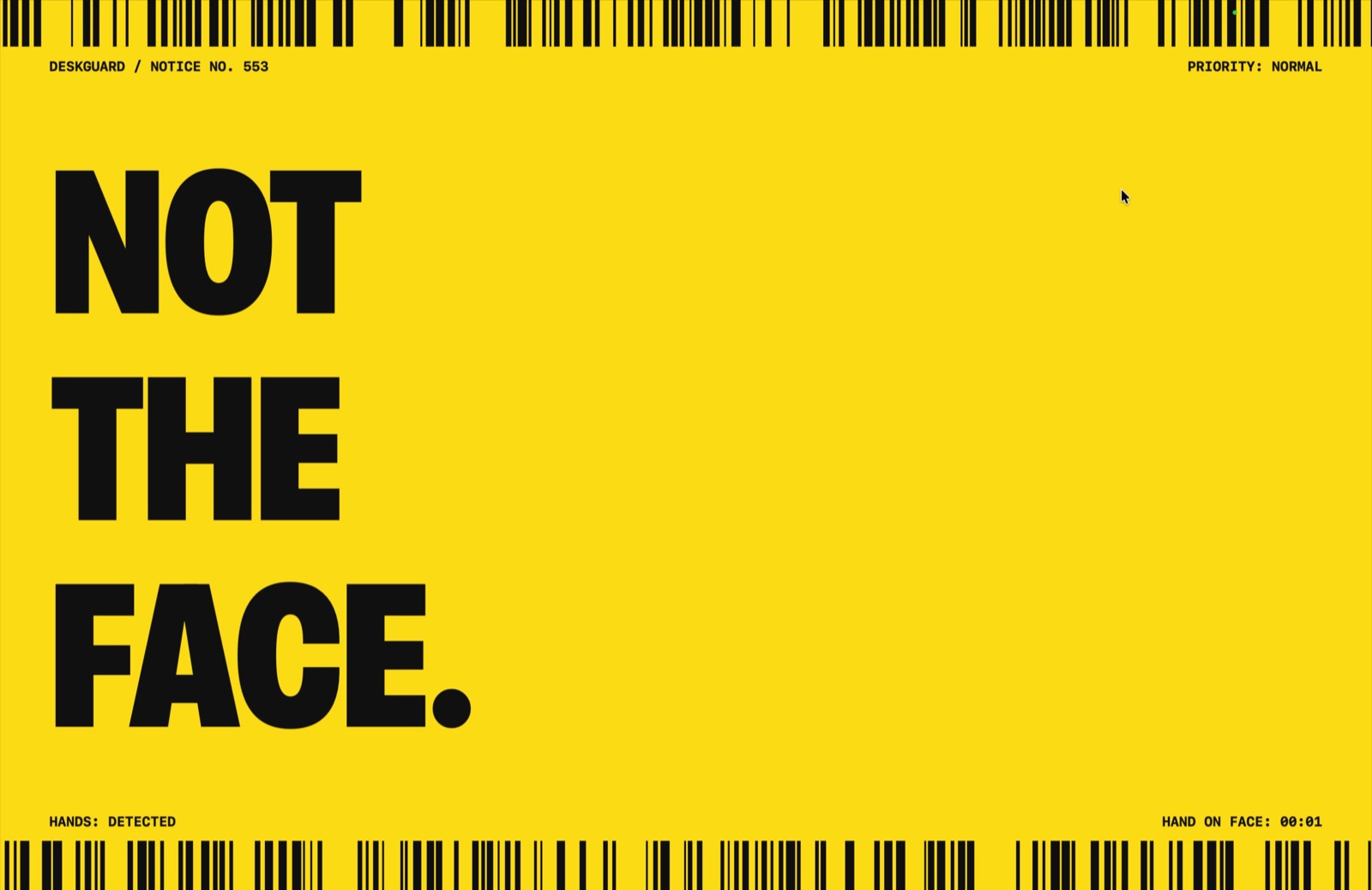
How it works
DeskGuard runs in your menu bar. You decide what it watches and how loudly it speaks up.
Scalp, eyebrows, lashes, beard, mustache, cheeks, chin or neck. Only the ones you pick.
A soft glow at the screen edge, a sound, or a full-screen “Not the face.” Your call.
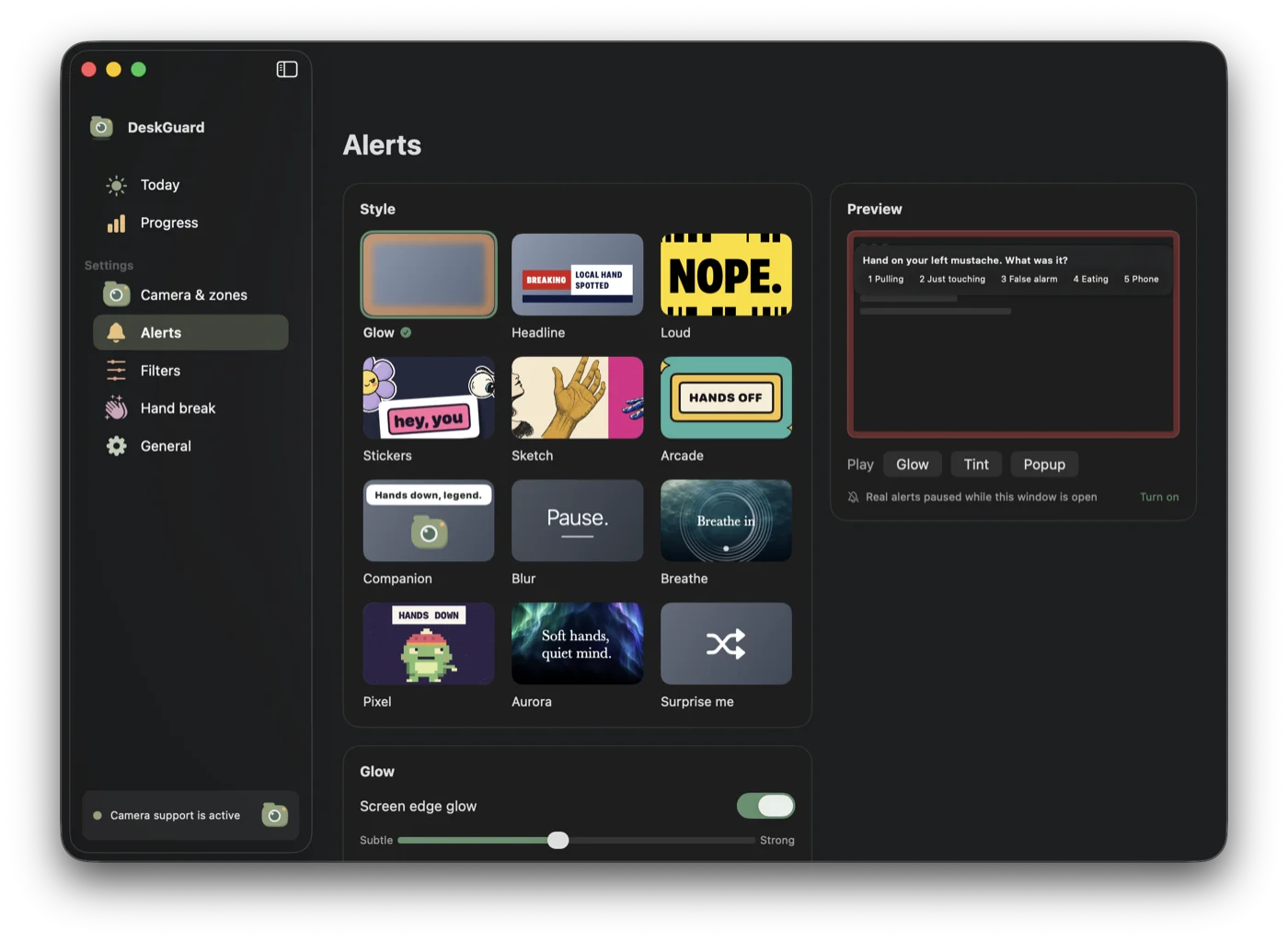
A short hand break gives your hands a different job until the urge passes.
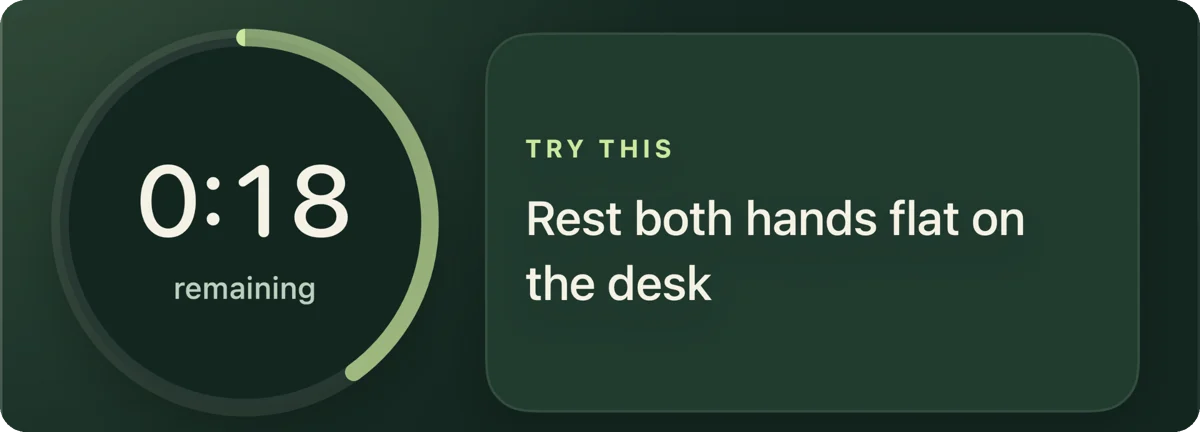
Built for the desk
Your hands touch your face all day for normal reasons. DeskGuard's filters know the difference.
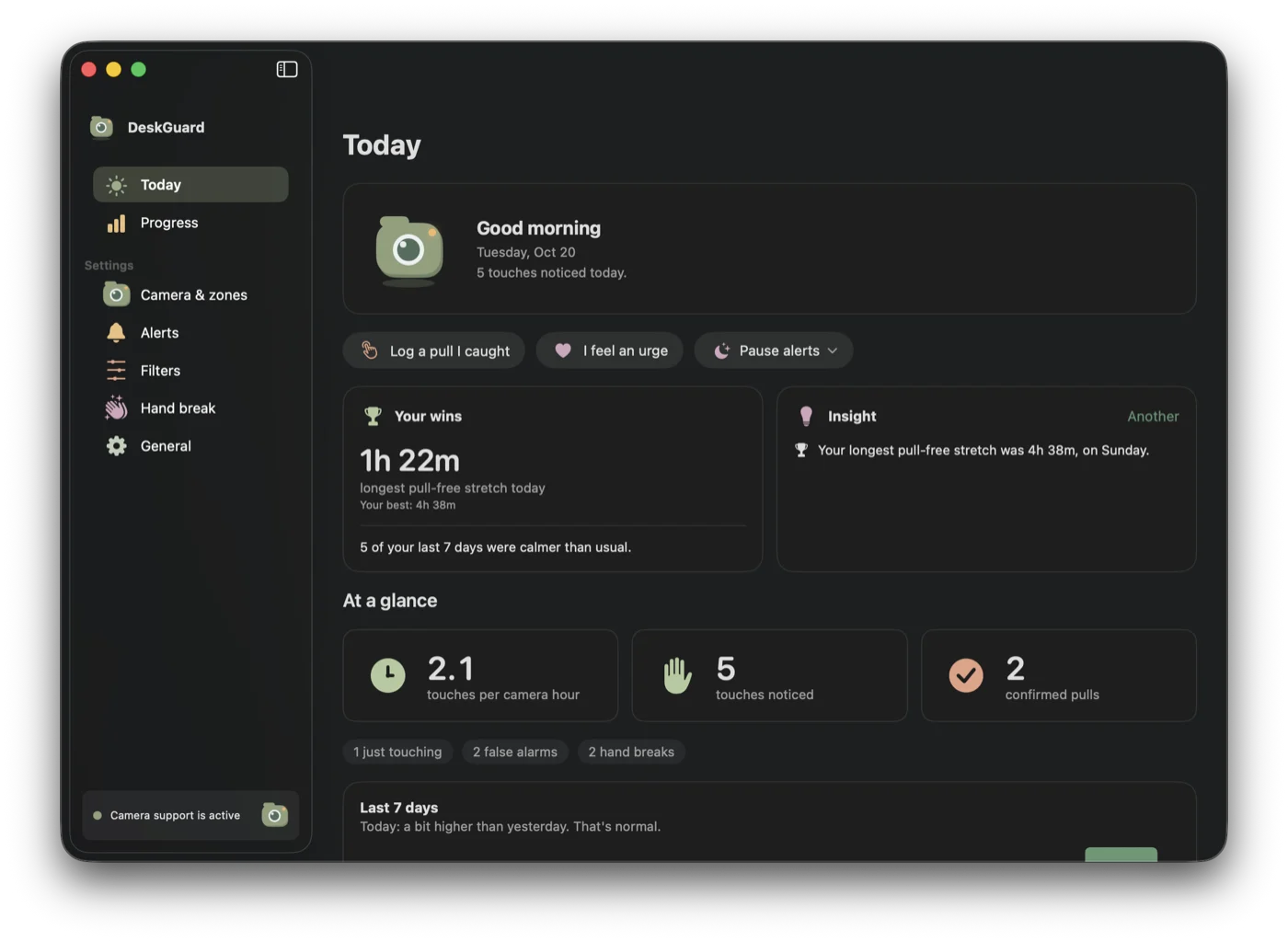
Privacy
Frames are analyzed with Apple Vision on your Mac, then discarded. Your history stays on your Mac too, unless you export it. Crash reports and anonymous usage counts are off unless you turn them on.
Read the privacy policy →Guides
Plain advice that works with or without the app.
No. Apple Vision analyzes camera frames on your Mac and discards them. Nothing is uploaded, and no video is saved.
No. It detects hand position: a hand lingering in an area you chose. That is enough to interrupt automatic pulling, which usually starts with exactly that.
Yes, for picking at the face: cheeks, jaw, chin, eyebrows and neck. It does not watch your fingers or arms.
Not yet. Hands at the mouth are ignored today so eating and coughing don't trigger alerts. Nail biting is on the roadmap.
No. It is an awareness tool, not a medical device. It works well alongside habit reversal training or therapy with a BFRB specialist.
Seven days free for eligible new subscribers, then $4.99 a month or $29.99 a year. Cancel anytime in your Apple Account.
Pricing
A subscription is required after the trial. The trial is for eligible new subscribers. US prices shown.